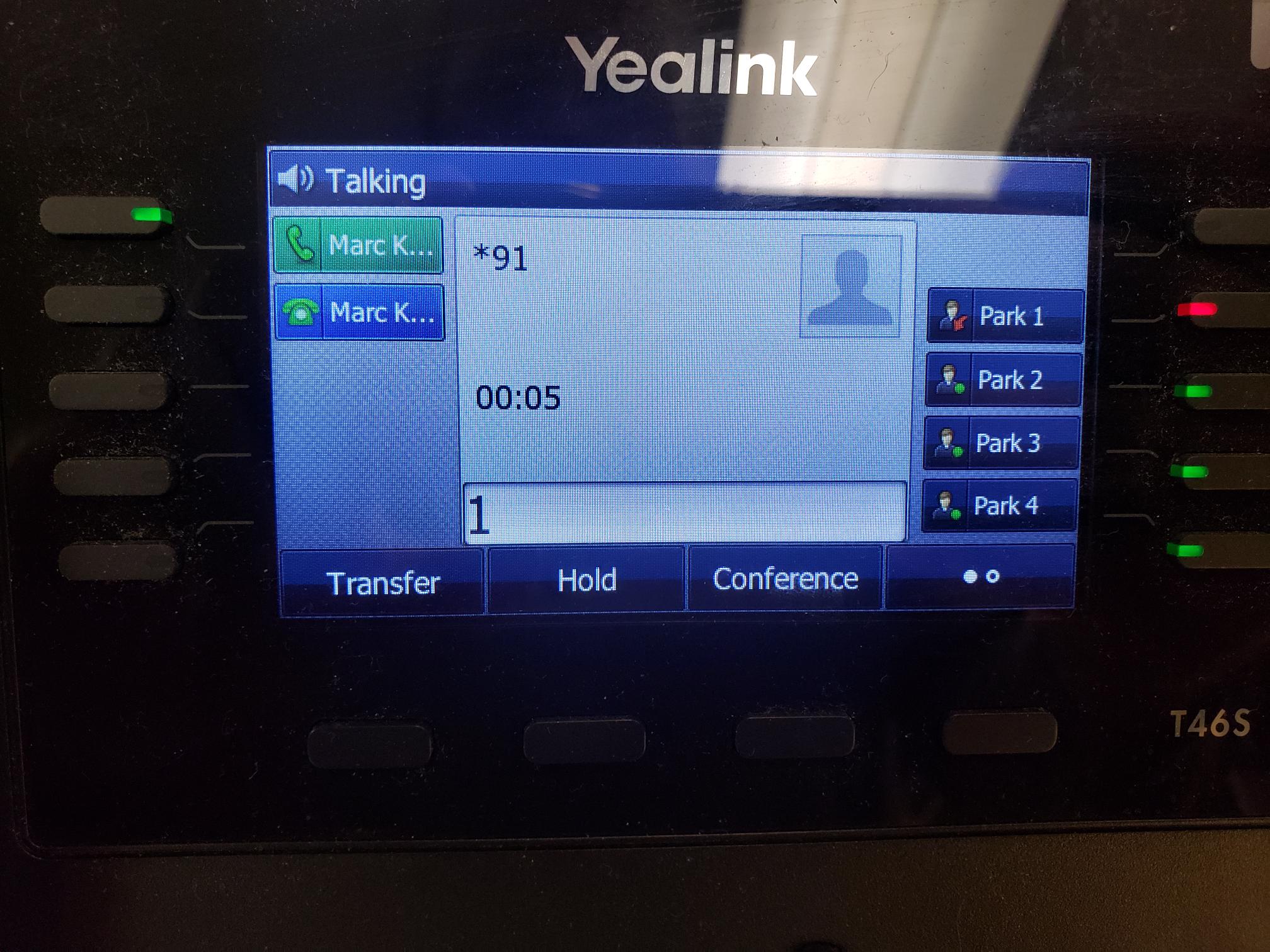
Deskphone Basics
How to Log Into a Deskphone
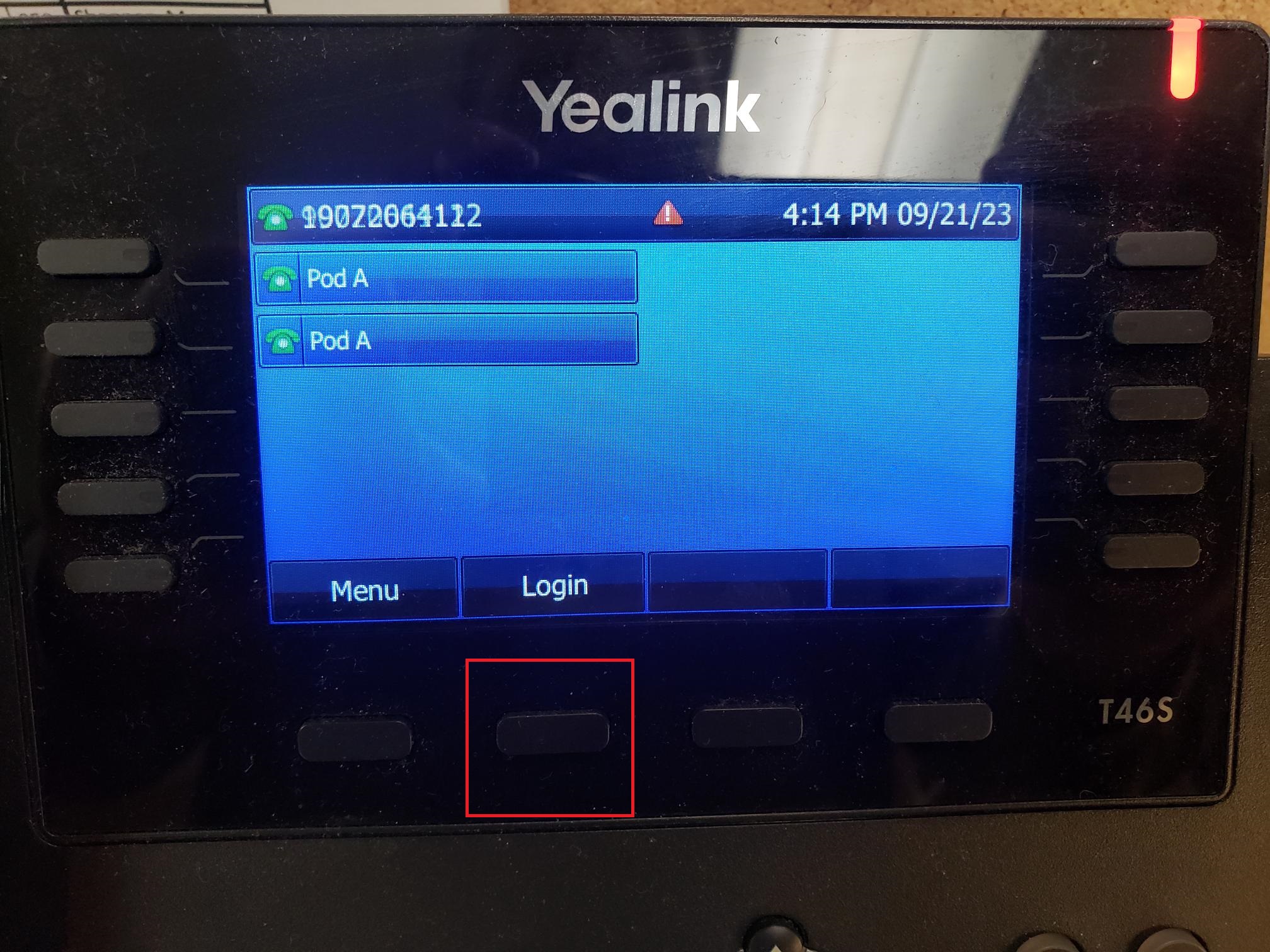
- On a common area phone, click on the Login button
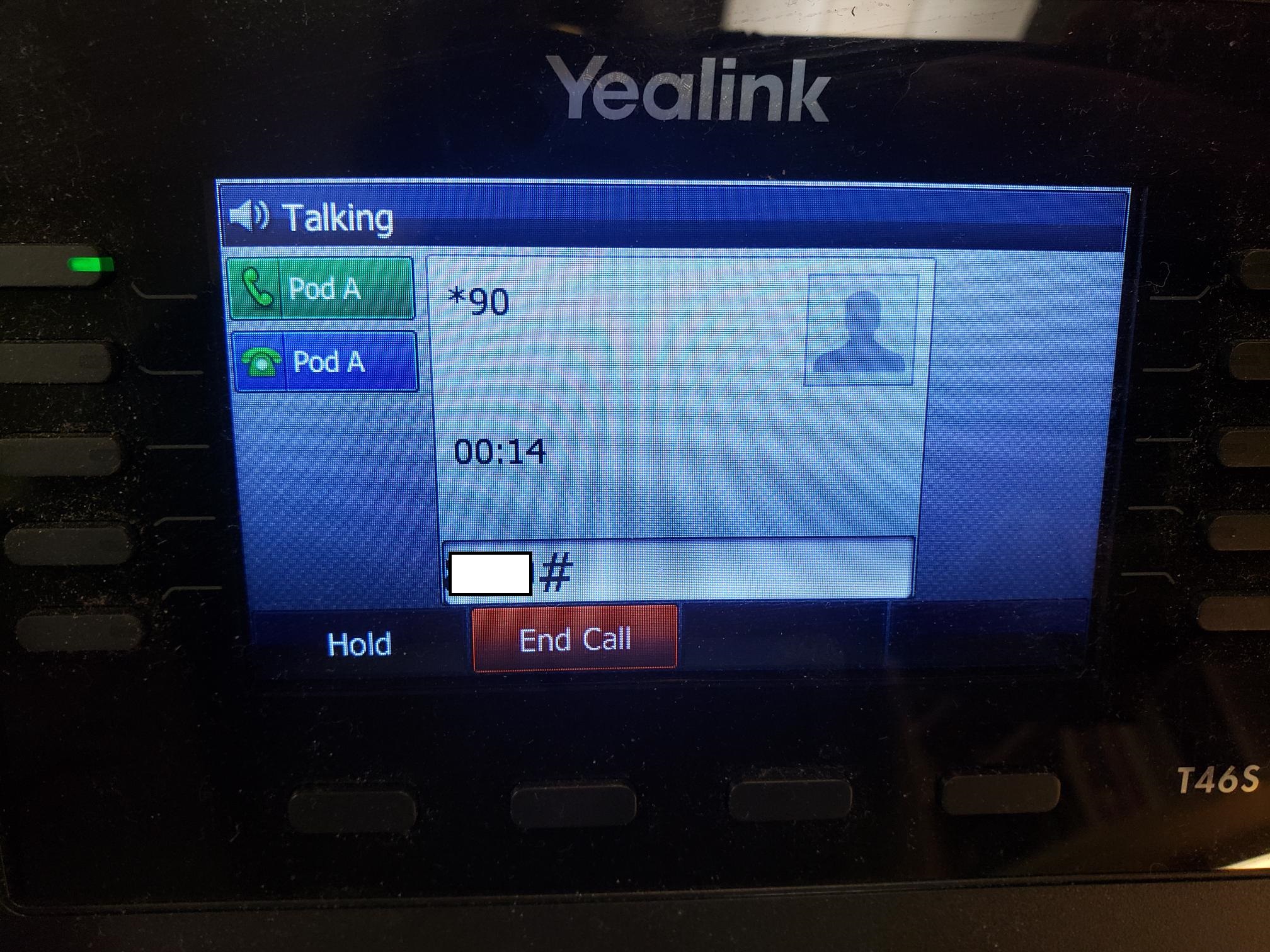
- Enter your extension and press #
- Enter your pin and press #
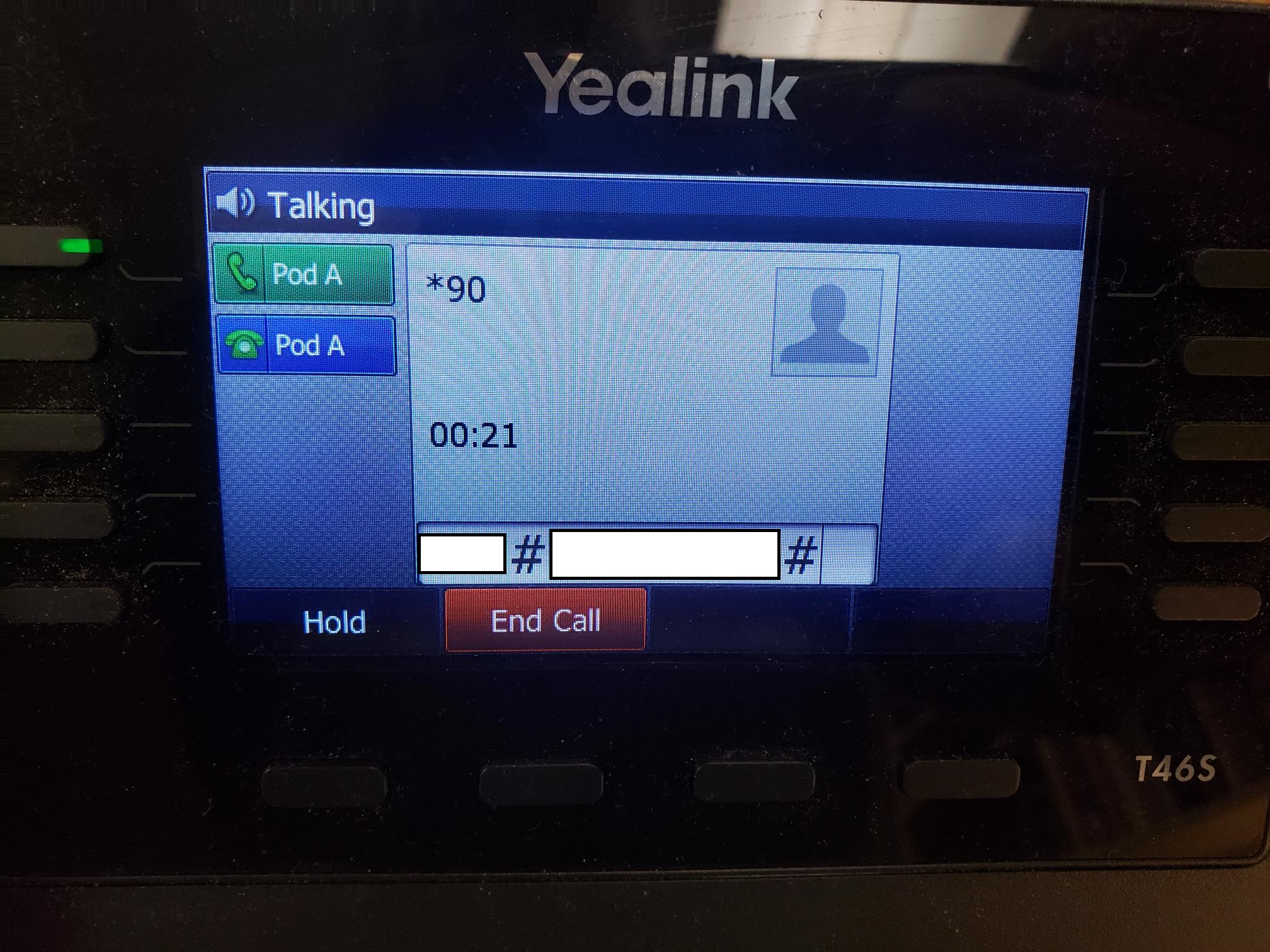
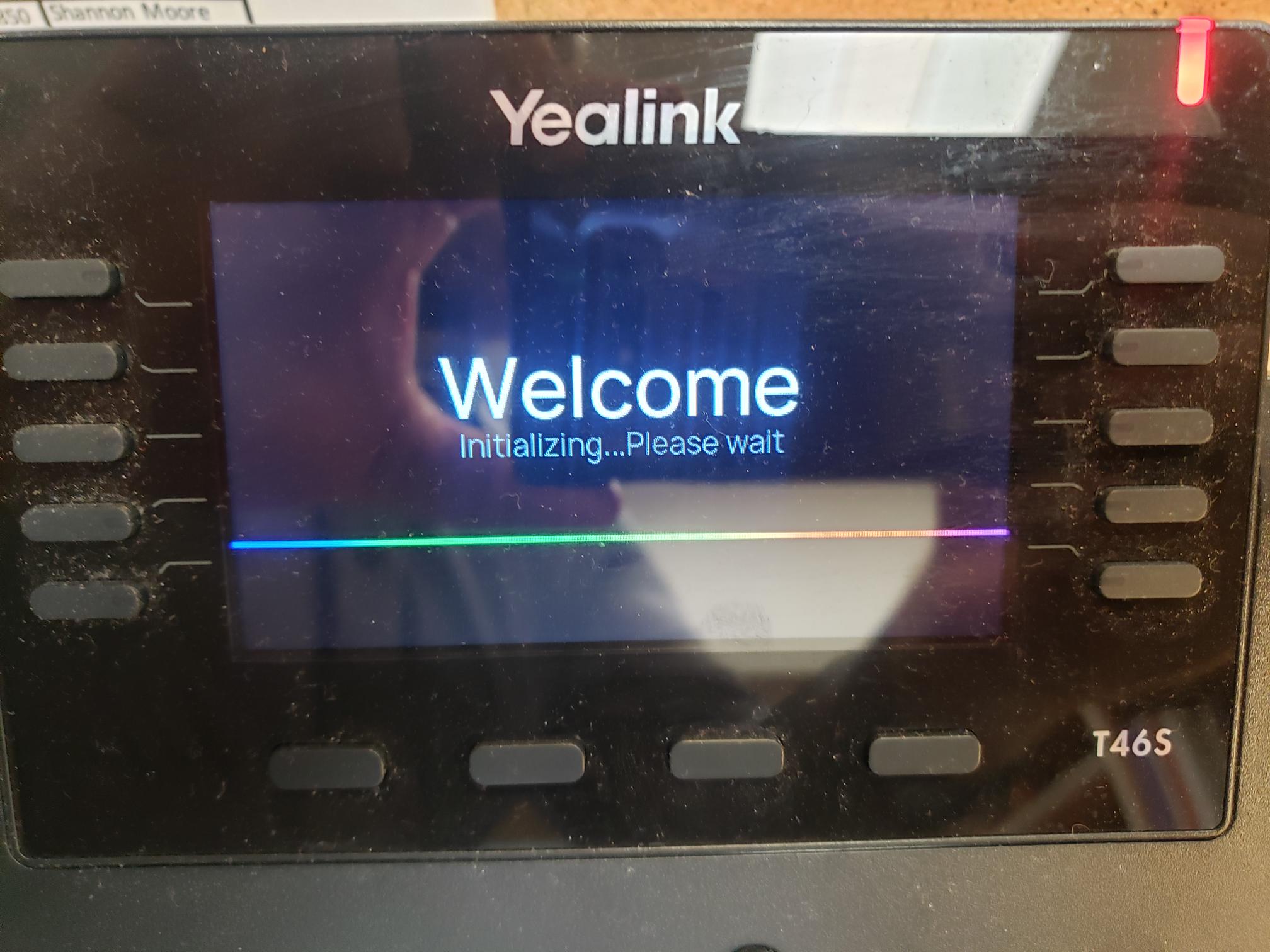
- The phone will reboot after 15 seconds to a minute. Once booted you will be logged in.
How to Log Out of a Deskphone
- Press the page switcher button to get to the second page. Click on the Logout button on the second page.
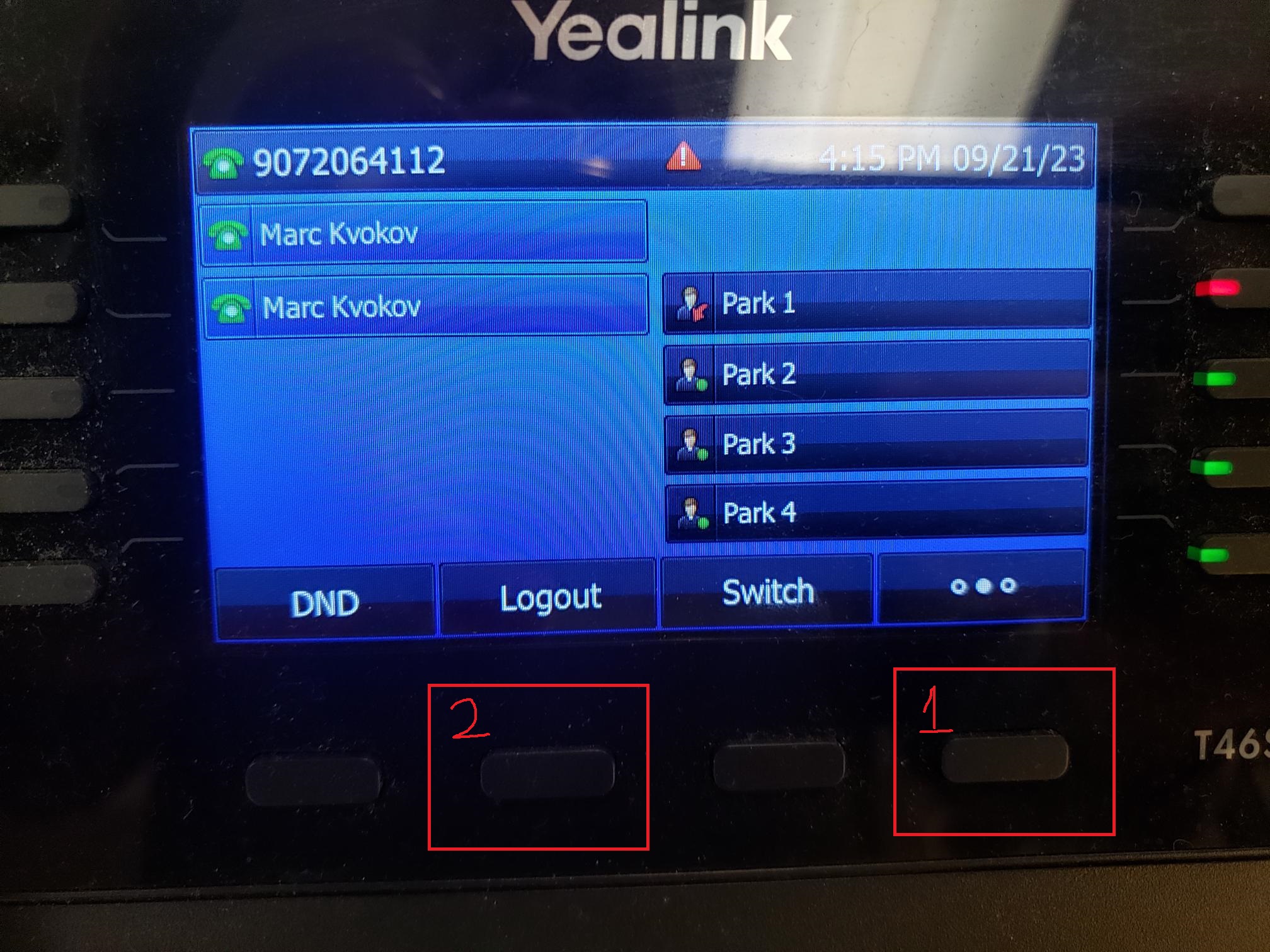
- Press 1. The phone will reboot and you will be logged out