App Basics
How To Log Into The RingCentral App
- Open the app by double clicking on the RingCentral app icon, as shown below.

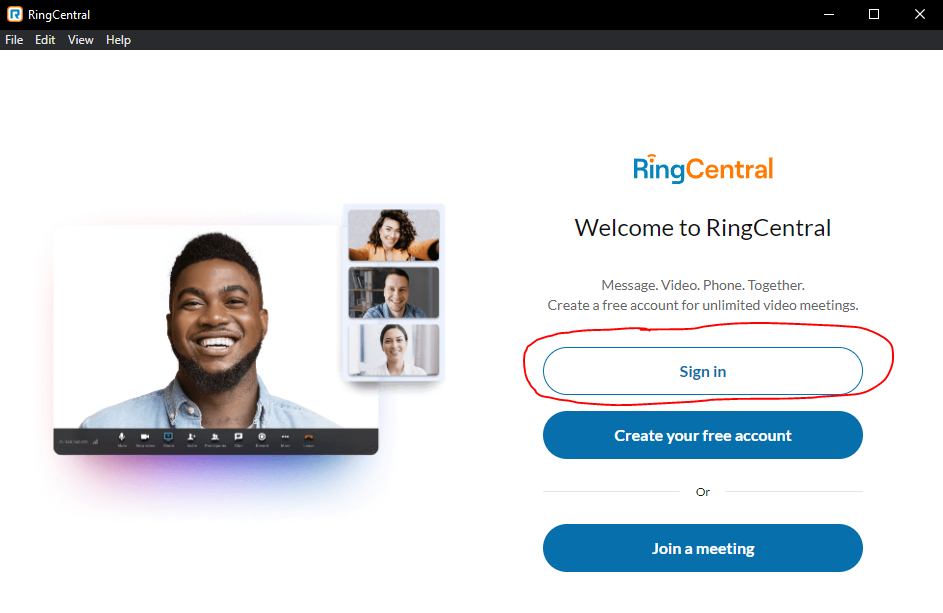
- Once the app is open, click on Sign in
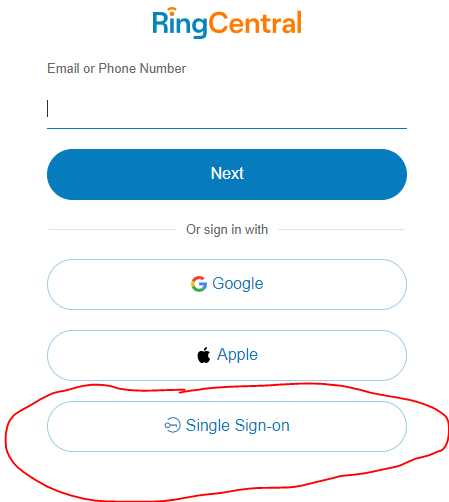
- Click on Single Sign-on at the bottom of the page.
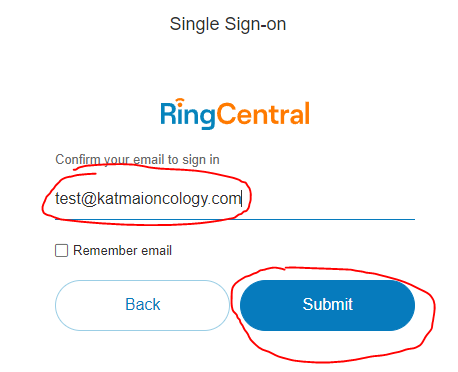
- Enter your email and click Submit
- This will open Edge and log you in. This will take about 10 seconds, after the RingCentral app will automatically open.
- If the app does not automatically open, wait until you see the the This site is trying to open RingCentral (see picture below) and click Open
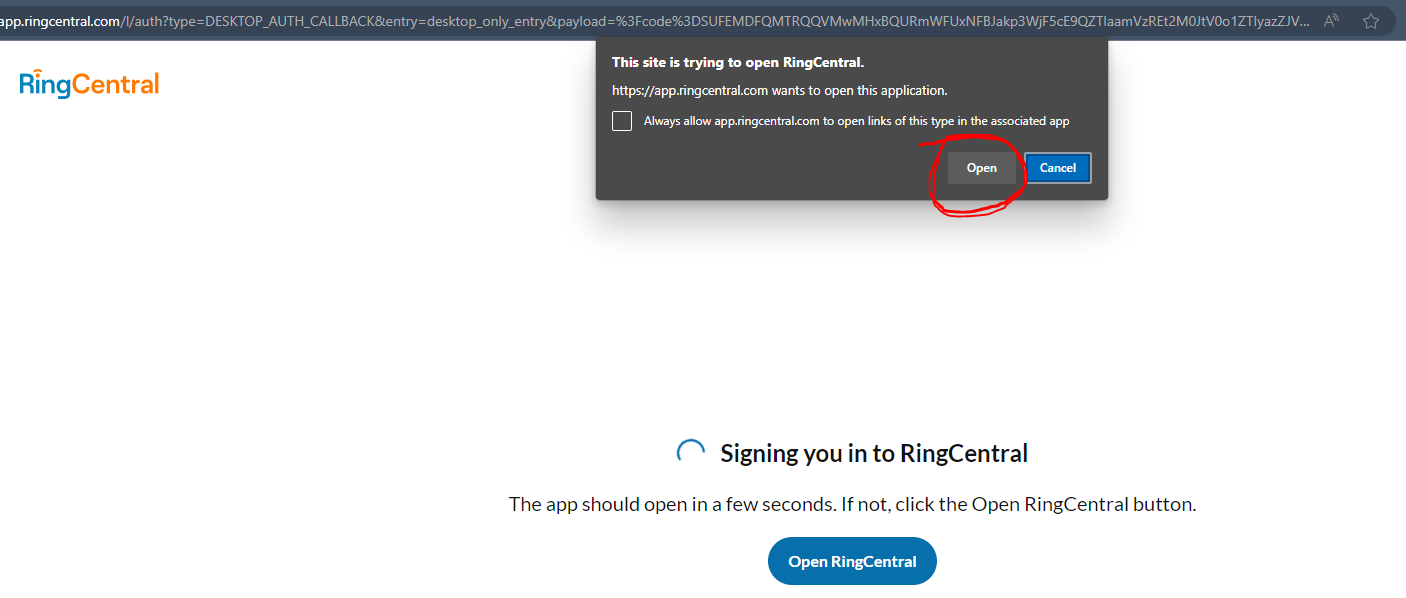
- If the app does not automatically open, wait until you see the the This site is trying to open RingCentral (see picture below) and click Open
First Run Setup
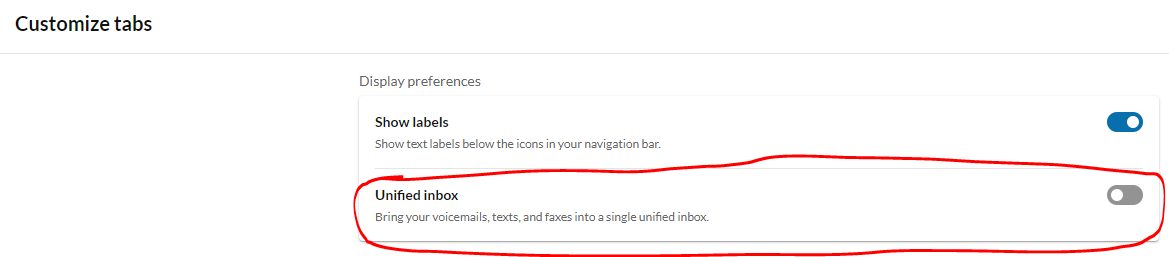
Disable Unified Inbox
Unified inbox collapses voicemail, text, and fax into one tab, requiring extra unnecessary clicks to get where you need to go.
| Unified Inbox Enabled | Unified Inbox Disabled |
|---|---|
 |
 |
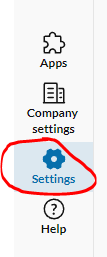
- On the lower left of the RingCentral app click on Settings
- Click on Customize tabs
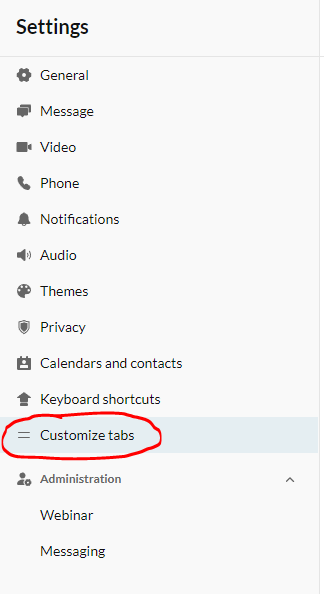
- Unselect Unified inbox