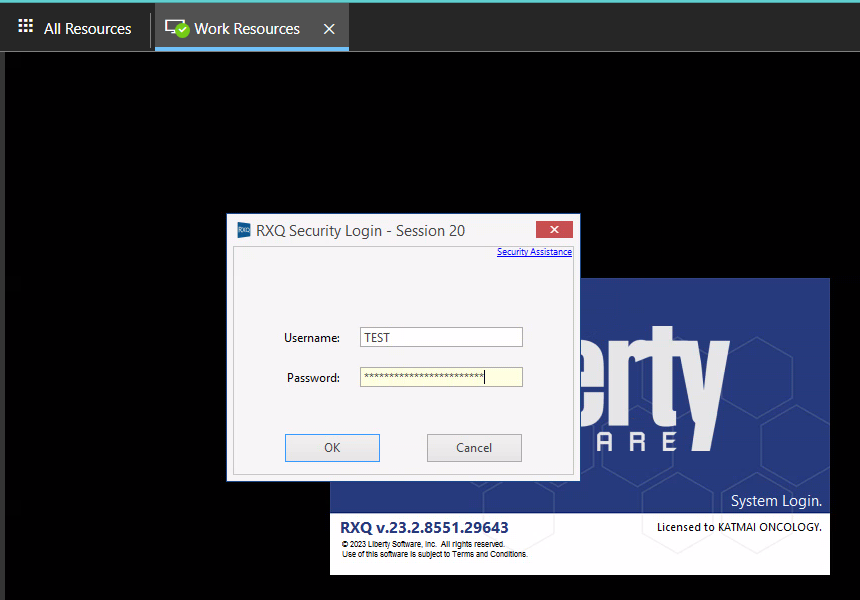
How to Log into RXQ
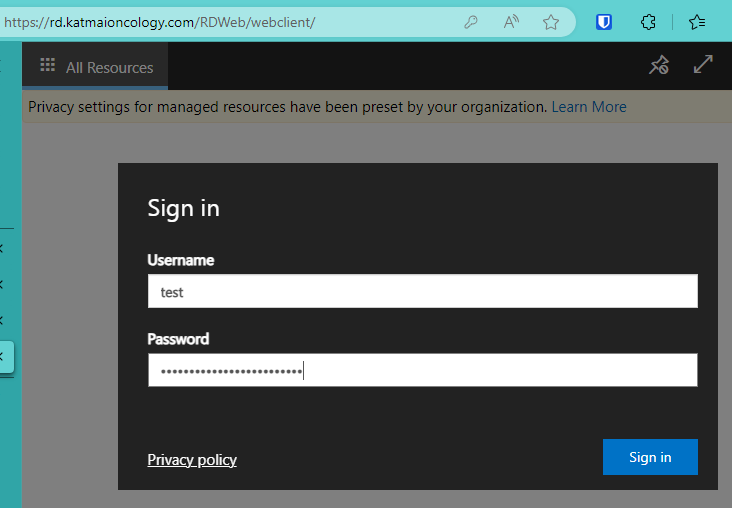
- Go to Remote Apps login page
- Enter your Windows username and password into the username and password fields and click Sign in
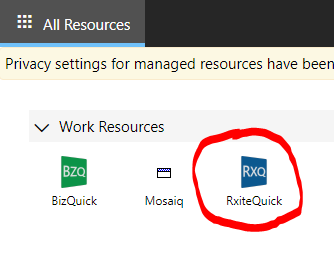
- Click on RxiteQuick icon
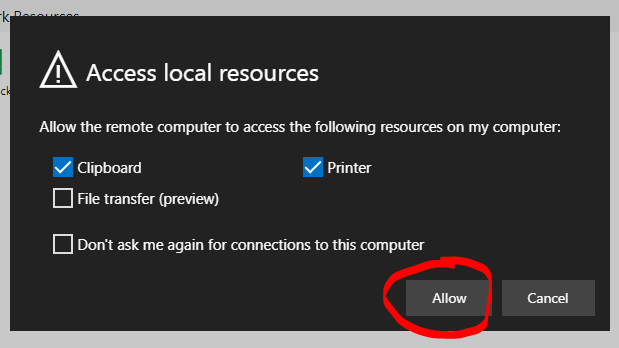
- Click Allow when prompted to select access to local resources
- Enter your Windows username and password into the username and password field